
Navigation
Yuko Dashboard → Workflows → Review Request Workflow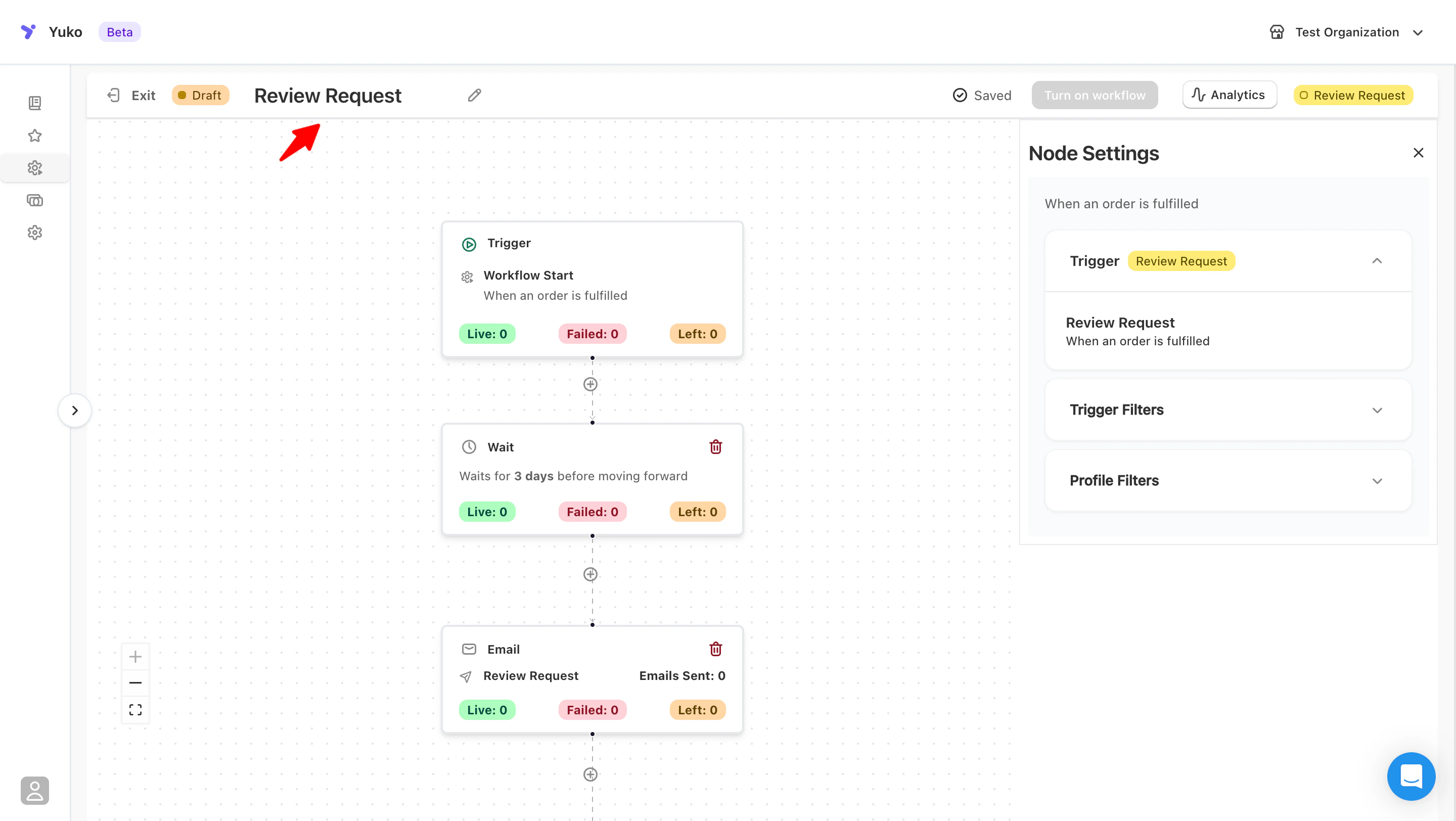
Purpose
Automatically send a review request email after a customer’s order is fulfilled.This is the most common workflow for collecting verified reviews.
How It Works
Trigger: Order FulfilledCondition: Customer has not received a review request yet
Action: Send “Review Request Email” after a set delay
Setup Steps
- Go to Workflows → Review Request Workflow.
- Set your trigger to “Order Fulfilled” or “Order Completed.”
- Choose a delay — typically 5 to 7 days after fulfillment.
- Select your Review Request Email template.
- Save and activate the workflow.