
Navigation
Yuko Dashboard → Workflows → Create New Workflow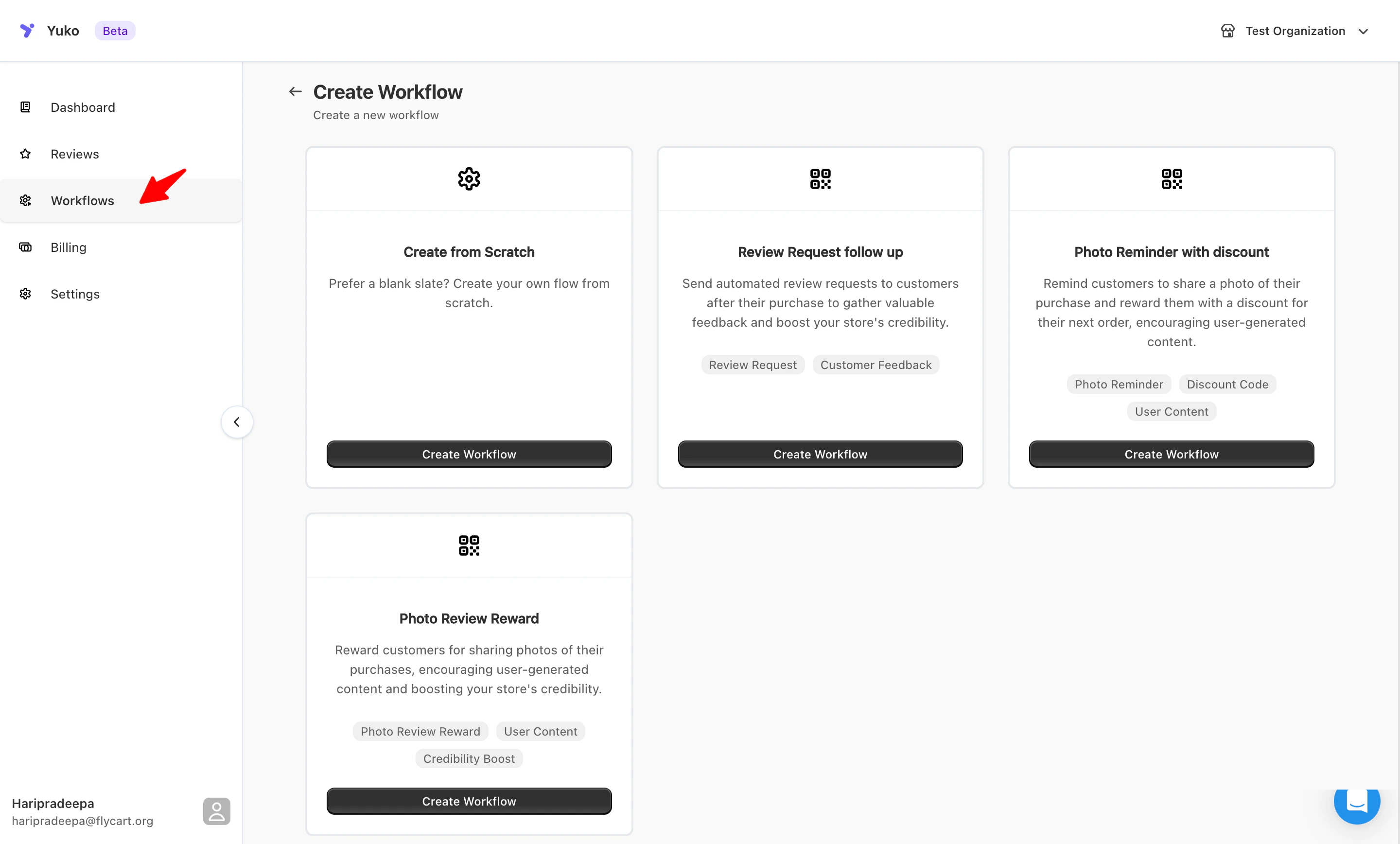
How Workflows Work
Each workflow follows a trigger → condition → action structure:- Trigger: What event starts the workflow (e.g., “Order Fulfilled”).
- Condition: Who or what qualifies for the workflow (e.g., “Customer has not reviewed”).
- Action: What happens (e.g., “Send review request email”).
Default Workflows
Yuko provides three ready-to-use workflows out of the box:- Review Request Workflow
- Review Reminder Workflow
- Review Submitted & Reward Workflow