
Navigation
Yuko Dashboard → Settings → Reviews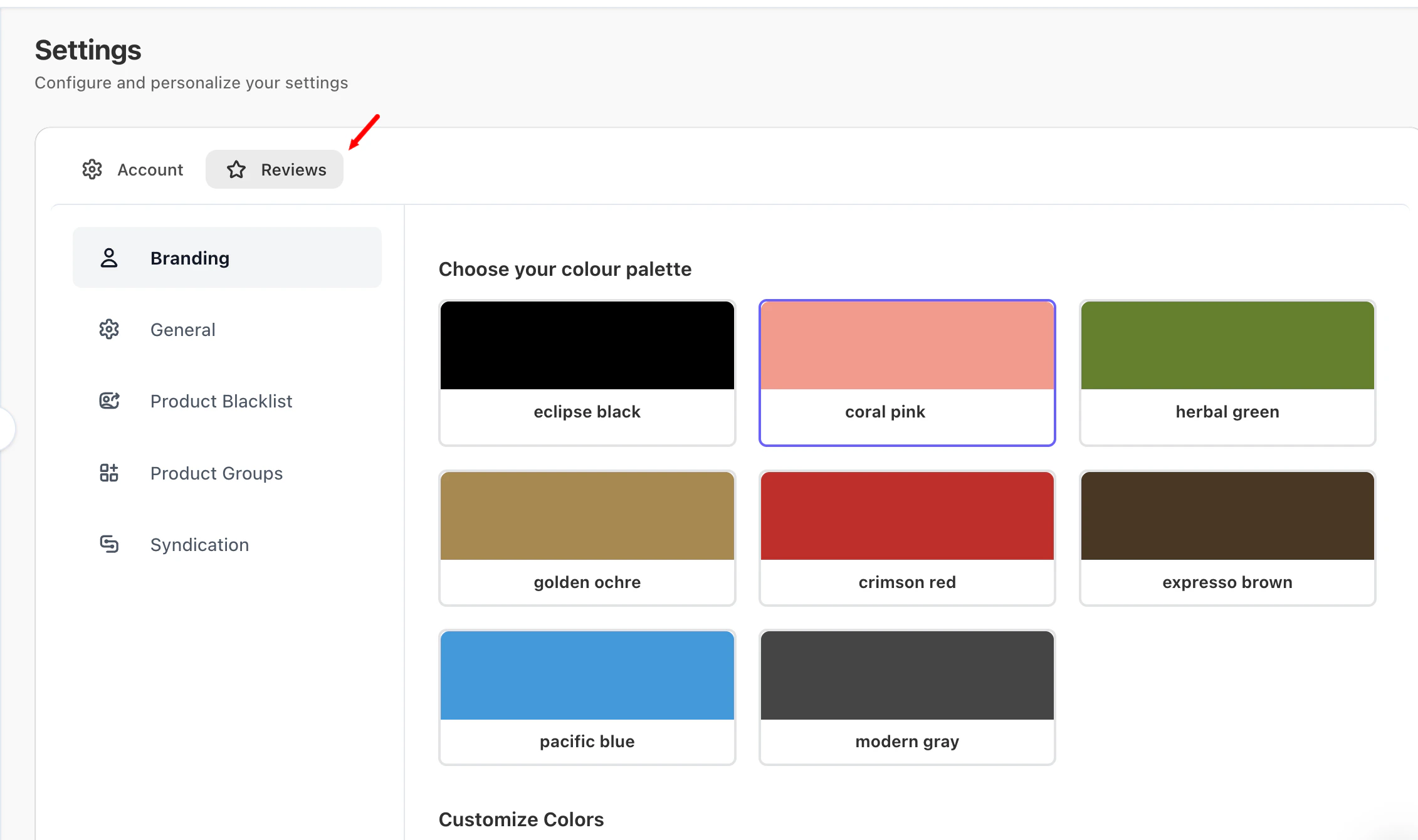
Available Review Settings
Under Settings → Reviews, you’ll find the following sections:- Branding
- General
- Product Blacklist
- Product Groups
- Syndication
Branding
The Branding section lets you customize the visual appearance of your reviews and review forms to match your store’s design. Here, you can configure:- Color palette and customized colors
- Review fonts and typography
- Star rating icons and styles
- Buttons, inputs, and dialog styling
- Overall look and feel of review widgets
General
The General section contains the core review behavior and control settings. This section includes:- Review publishing and moderation rules
- Review restrictions and limits
- Review display controls
- Google and SEO-related review settings
- Admin notifications and alerts
Product Blacklist
The Product Blacklist allows you to exclude specific products from review collection. Use this section to:- Prevent review request emails for selected products
- Exclude products from manual review collection
- Manage exclusions using product IDs
Product Groups
Product Groups let you manage review behavior at scale by grouping products together. From this section, you can:- Enable or disable product groups
- Create static groups by manually selecting products
- Create dynamic groups based on product attributes such as:
- Tags
- Categories
- Product name conditions
Syndication
The Syndication section allows you to share reviews across multiple connected stores. With review syndication:- Reviews collected on one store can appear on matching products in other connected stores
- You can create a new syndication group or join an existing one
- Reviews stay synchronized across all stores in the same group
What to Configure First
If you’re new to Yuko Reviews, we recommend starting with:
You can then explore Product Groups and Syndication as your review strategy grows.
Some features mentioned above are in paid plans only. Visit https://yuko.so/pricing/