
Navigation
Yuko Dashboard → Settings → Account → Branding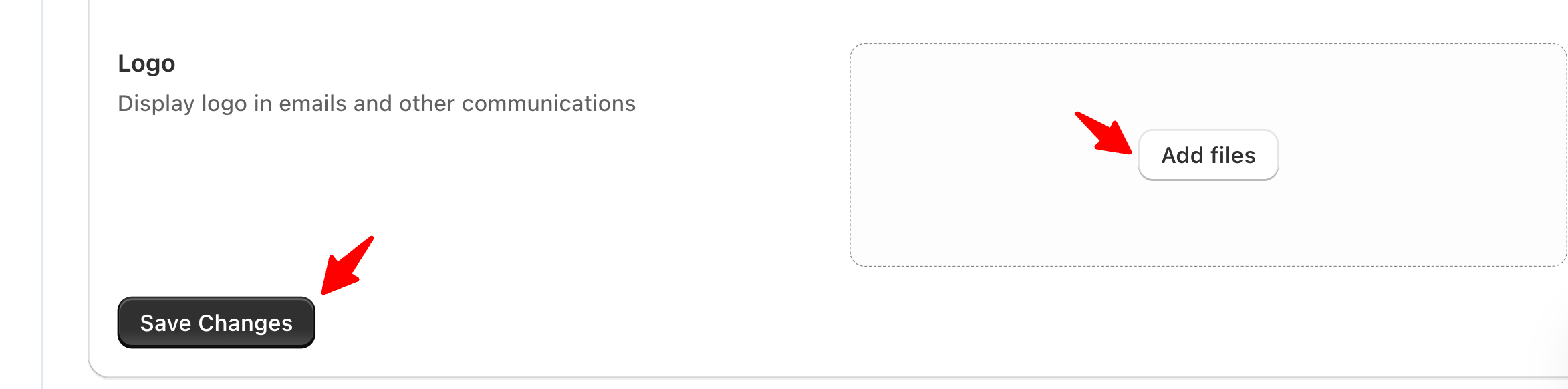
Overview
Your logo is automatically used across your review request emails, review forms, and widget headers.This helps maintain visual consistency and build customer trust.
Steps to Upload or Update Your Logo
- Go to Settings → Account → General → Logo
-
Click Add files.
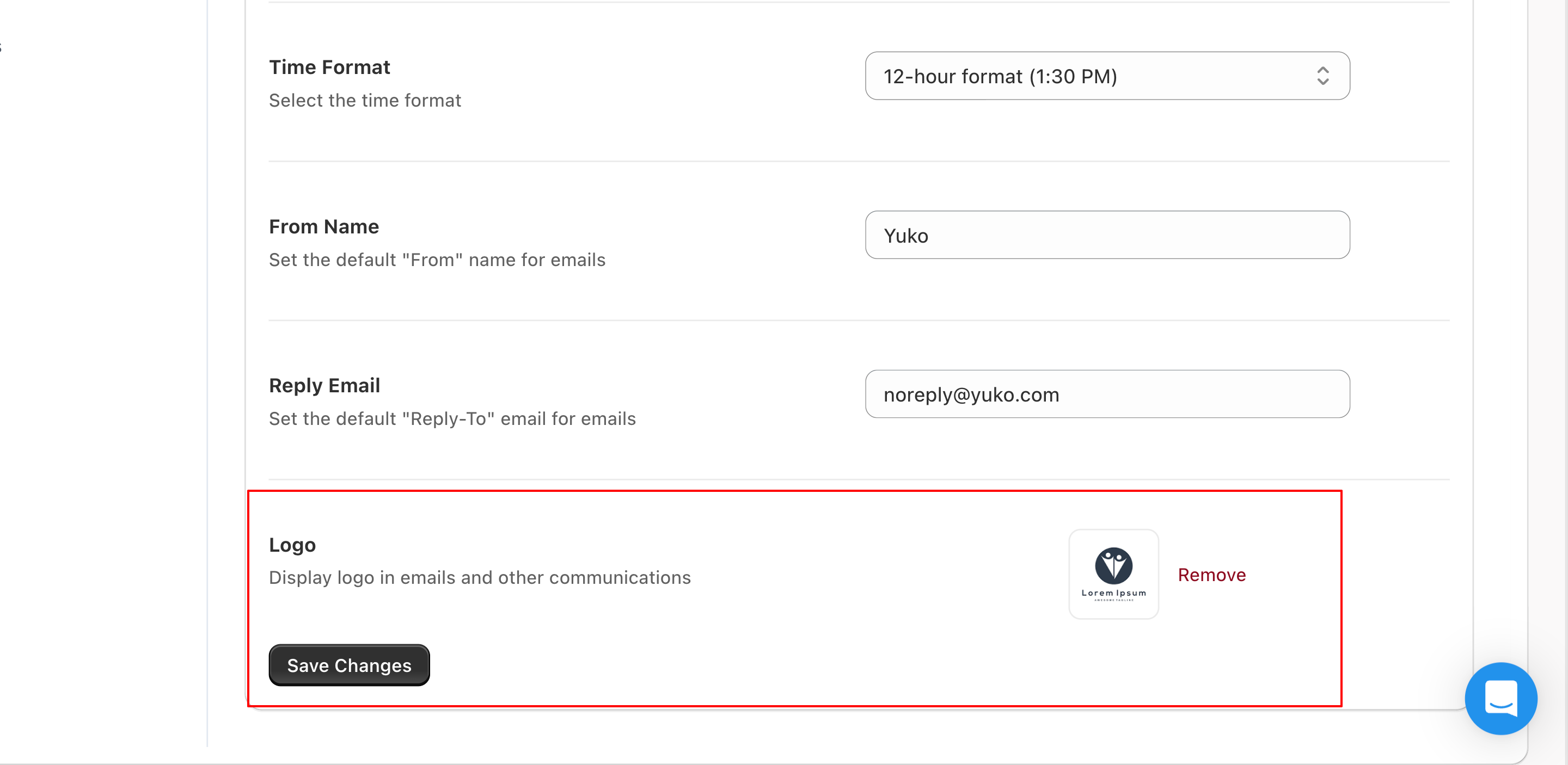
- Select your image file (JPG, PNG, or SVG supported).
- Adjust sizing or cropping if needed.
Recommended Image Specs
| Type | Recommended Size | Format |
|---|---|---|
| Primary Logo | 400×120 px | PNG or SVG |
| Email Logo | 200×60 px | PNG |
| Widget Logo | Auto-resized | PNG or SVG |
Use a transparent PNG or SVG logo to ensure it looks crisp on both light and dark themes.