
It appears on the side of your website, so it never blocks your main content.
This is a great way to show social proof on homepages, landing pages, blogs, or any page where no product widget exists.
Navigation
Yuko Dashboard → Reviews → Widgets → Reviews Sidebar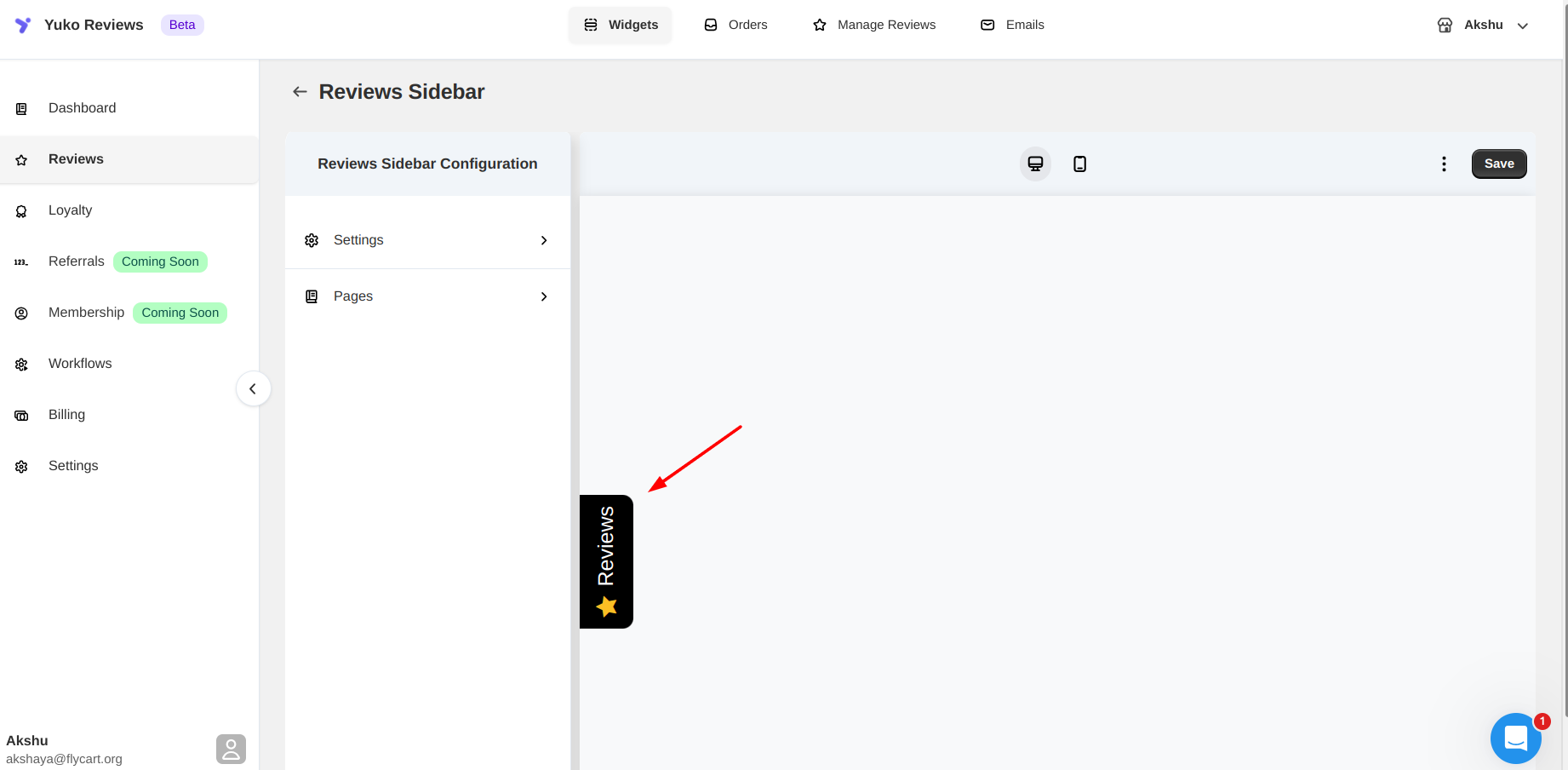
Settings
The Reviews Sidebar can be customized using the following options:| Setting | Description |
|---|---|
| Position | Choose which side of the screen the sidebar tab appears: Left or Right |
| Orientation | Choose how reviews scroll inside the panel: Top → Bottom or Bottom → Top |
| Button Text | Customize the text shown on the sidebar tab |
| Content Source | Show reviews for the current product, fall back to related products if none, or display all reviews globally |
| Background Color | Customize the sidebar background color |
| Rating Icon Color | Customize the star icon color |
| Text Color | Customize the text color inside the panel |
| Hide on Mobile | Choose whether to show or hide the sidebar on mobile devices |
Pages
You can control which pages display the Reviews Sidebar:| Page | Option |
|---|---|
| Home Page | Show or hide |
| Shop Page | Show or hide |
| Product Page | Show or hide |
| Cart Page | Show or hide |
| Other Pages | Show or hide |
Note: Changes can be previewed on your store by clicking Check store to view this change.