
Yuko’s Questions & Answers (Q&A) feature lets customers ask questions directly on your product pages — and allows you (or other buyers) to reply publicly. This builds transparency, reduces support tickets, and encourages more informed purchases.
Navigation
Yuko Dashboard → Manage Q & A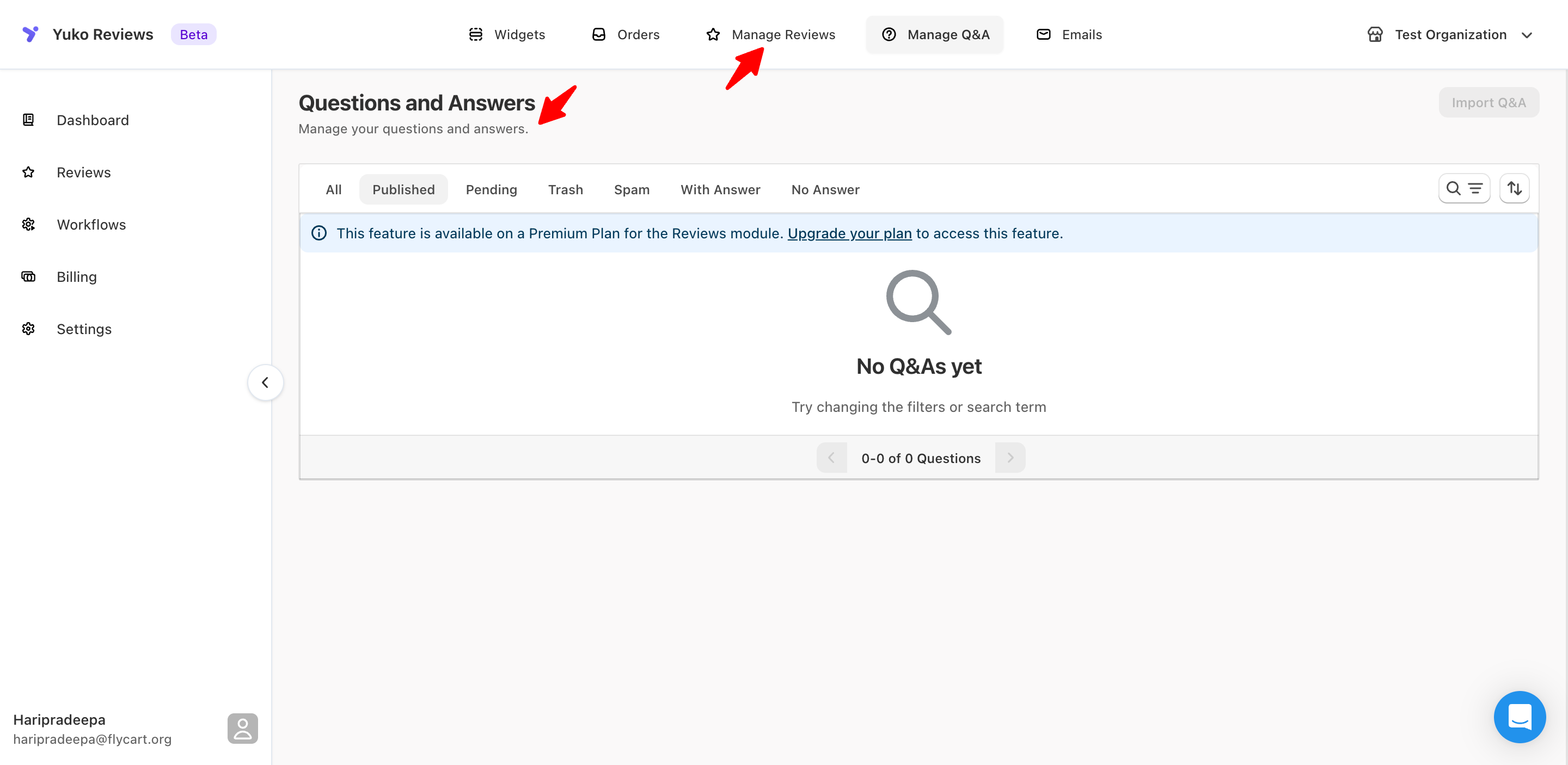
Overview
With Yuko Q&A, you can:- Collect customer questions directly from product pages.
- Display answers publicly for other visitors.
- Reply as the store admin or allow peer responses.
- Moderate content before it goes live.
Importing Questions & Answers from Judge.me:
Yuko allows you to import existing Questions & Answers (Q&A) from Judge.me, making it easy to migrate your product knowledge without starting from scratch.How to Import Q&A from Judge.me
Navigation: Yuko Dashboard → Reviews → Manage Q&A- Open Manage Q&A from the Yuko dashboard.
- Click Import Q&A in the top-right corner of the page.
- Select Import from Judge.me.

- Upload a CSV file exported from Judge.me.
- Click Import to start the process.
What Happens Next
- The uploaded file is securely processed
- All valid questions and answers are imported into Yuko
- Imported Q&A becomes available immediately on your storefront widgets
File Requirements
- File format: CSV
- Maximum file size: 1 MB
- The file must be exported directly from Judge.me
This feature is available only on Growth Plan