
Navigation
Yuko Dashboard → Settings → Account → Integrations → WooCommerce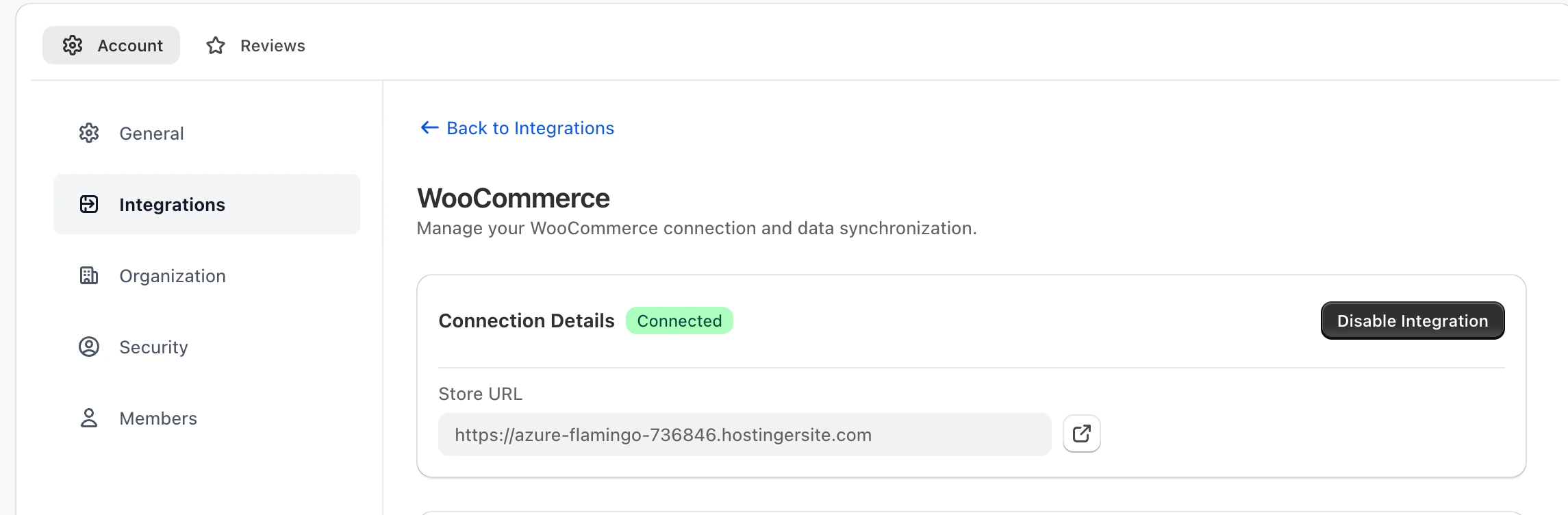
Overview
The WooCommerce integration connects your WordPress store to Yuko, enabling seamless synchronization of orders, products, and customers.This integration allows Yuko to automatically send review requests, verify reviews, display badges, and power your analytics with real purchase data. Once connected, the sync runs continuously in the background — ensuring all your review workflows function smoothly and accurately.
Setup Steps
- Log in to your Yuko Dashboard.
- Navigate to Settings → Account → Integrations → WooCommerce.
- Click Configure
- Enter your store URL (e.g.,
https://yourstore.com). - Click Connect WooCommerce Store. (You can also disable it if needed later)
- Authorize the integration by approving permissions in WordPress.
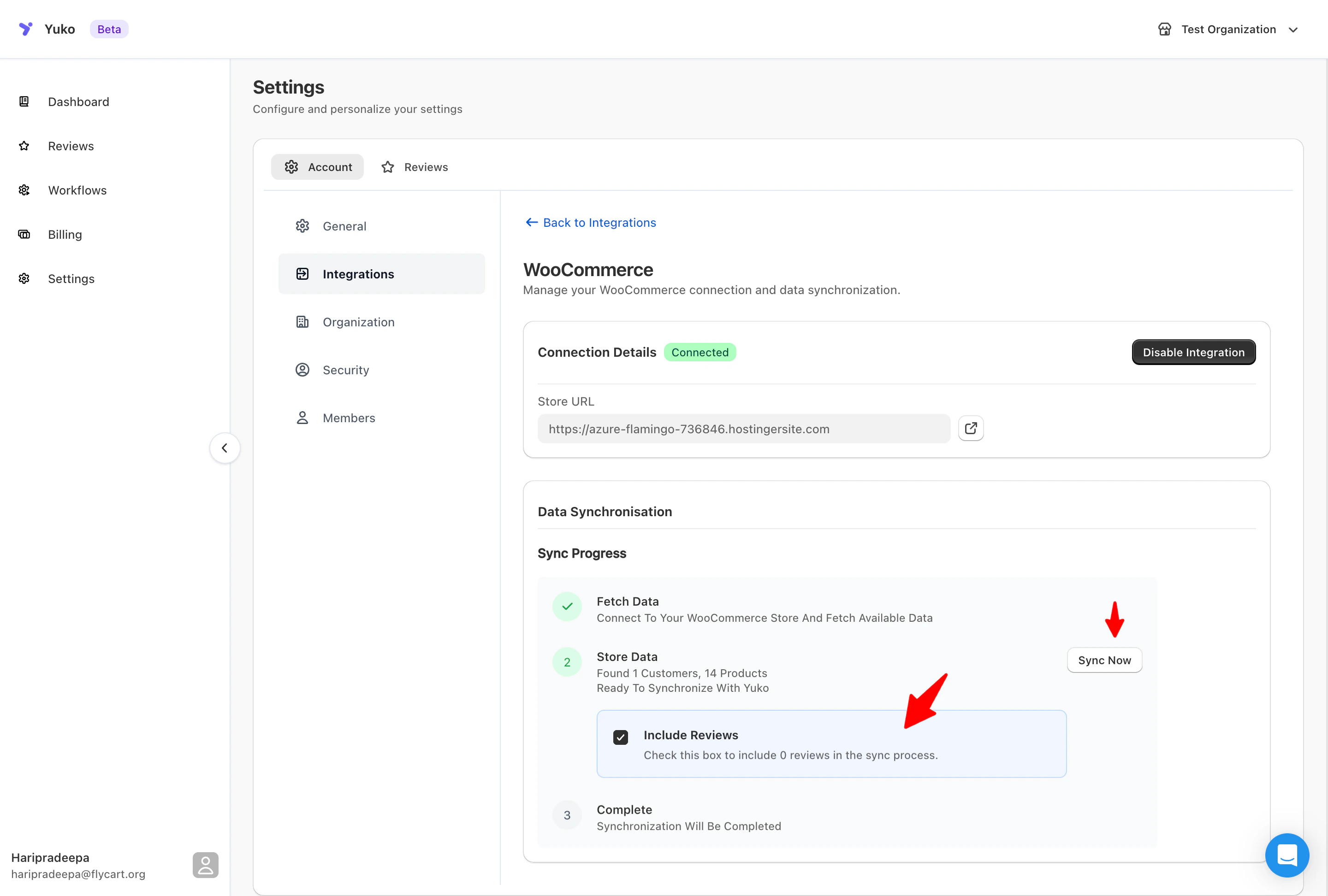
- Allow the initial sync to complete (usually 1–5 minutes depending on store size).
- Order history
- Product catalog
- Customer profiles
- Fulfillment statuses
- Past WooCommerce reviews (optional)
What You Can Do With the WooCommerce Integration
1. Send Automated Review Requests
Activate workflows to send review request emails as soon as an order is fulfilled or completed.- Boost verified reviews
- Customize delays (e.g., send 5–7 days after delivery)
- Increase response rates with automated follow-ups
2. Display Verified Buyer Badges
Yuko automatically checks whether a reviewer purchased the product through your WooCommerce store. Badges appear when:- The reviewer’s email matches a WooCommerce order
- The product ID matches an order item
- The review is connected to a legitimate purchase
3. Sync & Import Past WooCommerce Reviews
If you already have reviews in WooCommerce, Yuko can import them and:- Apply verified badges where applicable
- Display them in Yuko widgets
- Include them in analytics and reporting
-
Allow you to reply to them directly in Yuko
4. Track Review Performance Per Order
Gain insights into:- Which orders resulted in reviews
- Which products generate the most feedback
- How review request emails perform
- Customer behavior after delivery
5. Keep Store Data in Sync
Yuko continuously updates:- New orders
- Order status changes
- Product name / image updates
- Customer account changes