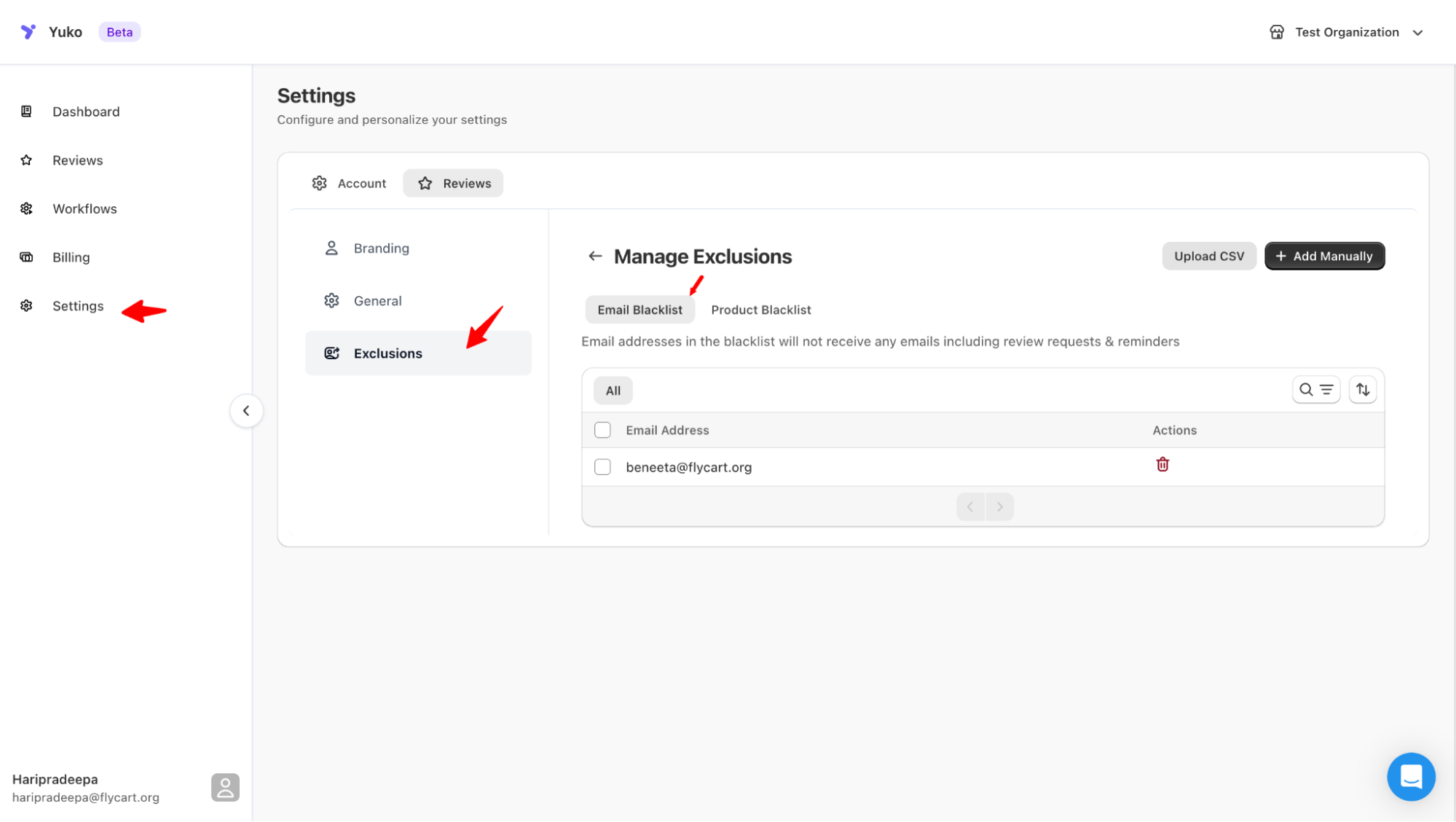
Useful for excluding test accounts, internal users, or repeat spammers. To add to the blacklist:
- Go to Settings → Reviews → Manage Exclusions.
- Under Email Blacklist, click Add New Entry.
- Enter the email or domain (e.g., @example.com).
- Save your changes.